You OK? — Peace of Mind for Your Family
A simple app for caring about elderly relatives. Two buttons — and the whole family knows everything is fine.
90 days free trial
No tracking: location is shared only when SOS is pressed
App Features
Everything you need for your family's peace of mind
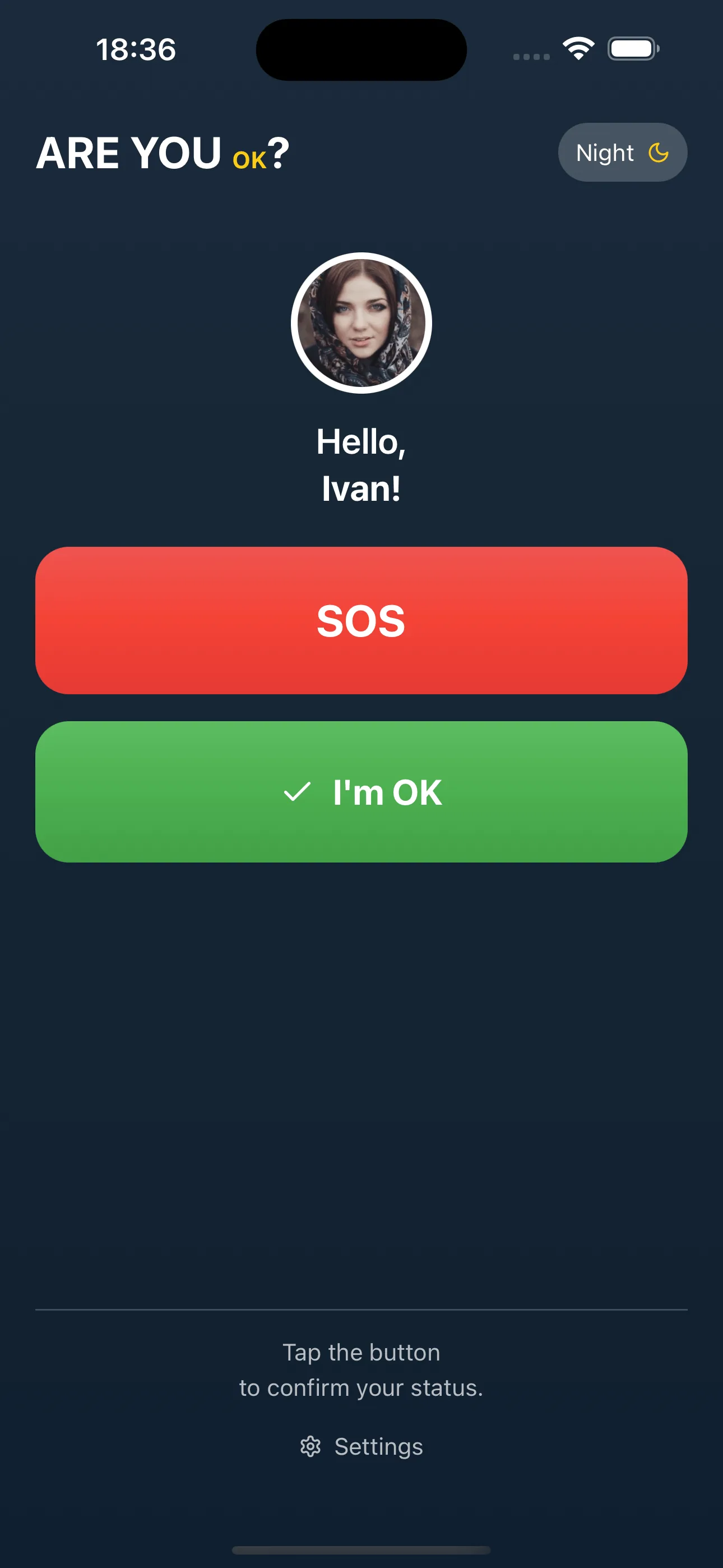
“I’m OK” button
One tap in the morning and the whole family sees everything is fine. If there is no tap, the app reminds them, then alerts you.
SOS button
An alert to every relative at once: push, SMS and a map link with the location. Keeps working after the subscription ends.
- Reminders
- Daily, at a time you choose, on your parent’s phone
- Location only on SOS
- No background tracking: a map point is sent only with the alert
- Home screen widget
- Both buttons on the home screen, no need to find the app
- Push and SMS
- Two independent channels on SOS so the alert gets through
App Screenshots
Main screen (dark)
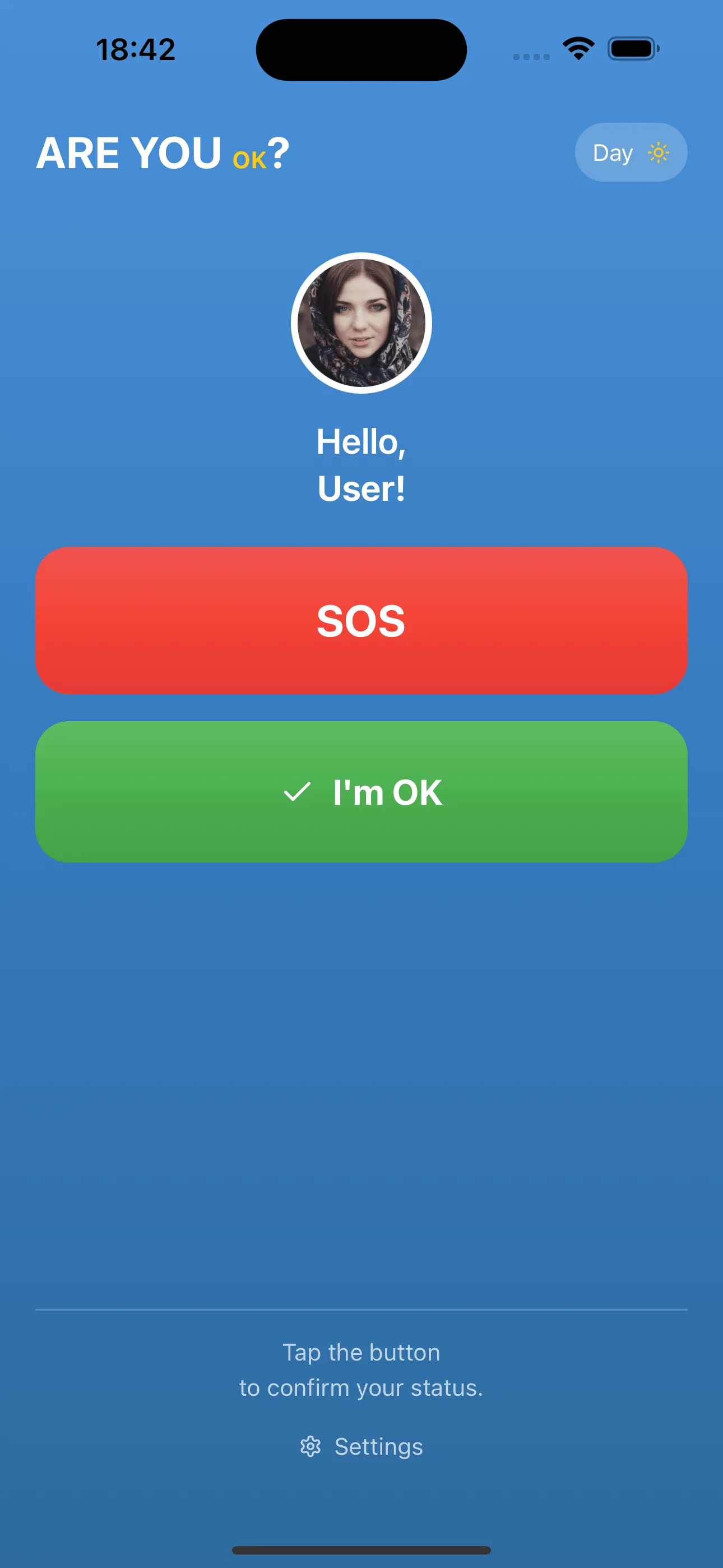
Main screen (light)
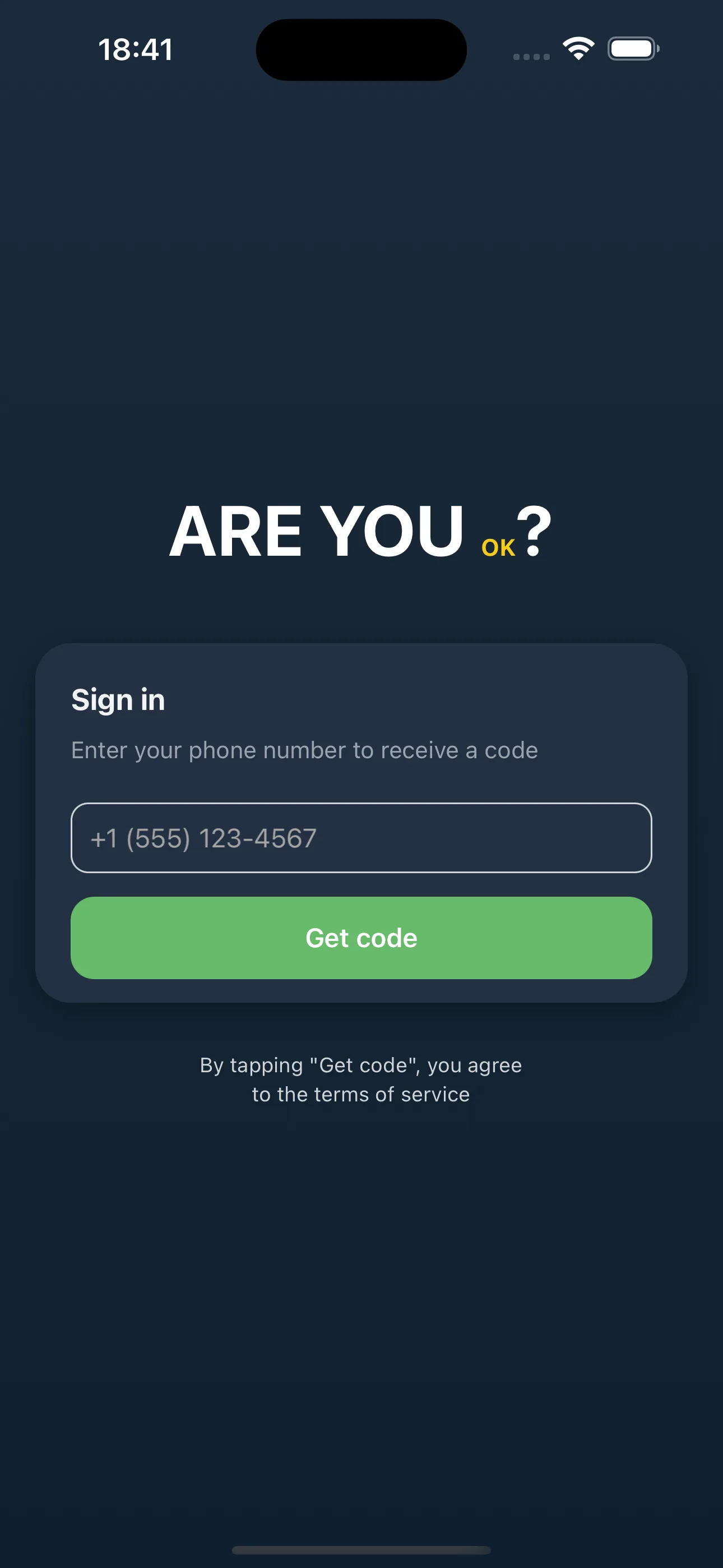
Authentication
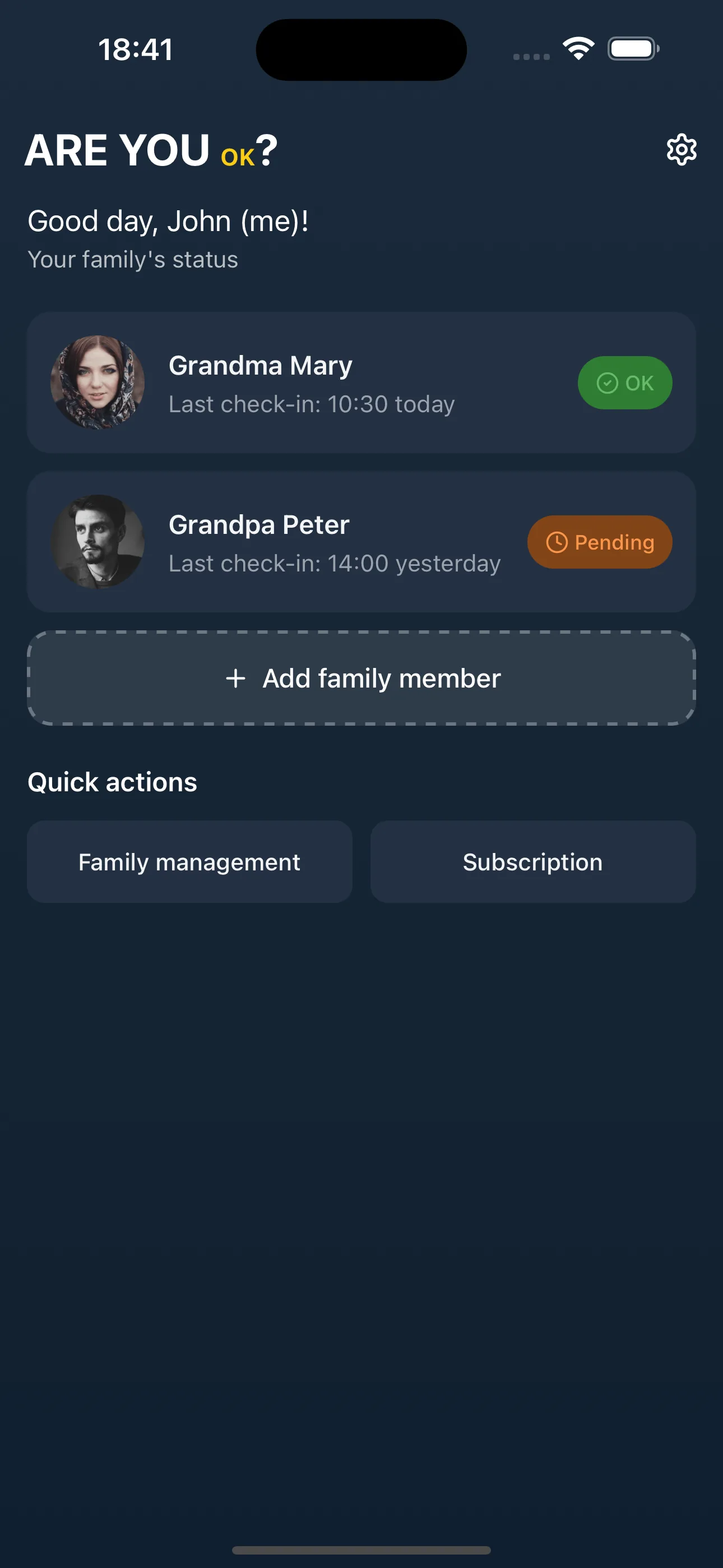
Family dashboard (dark)
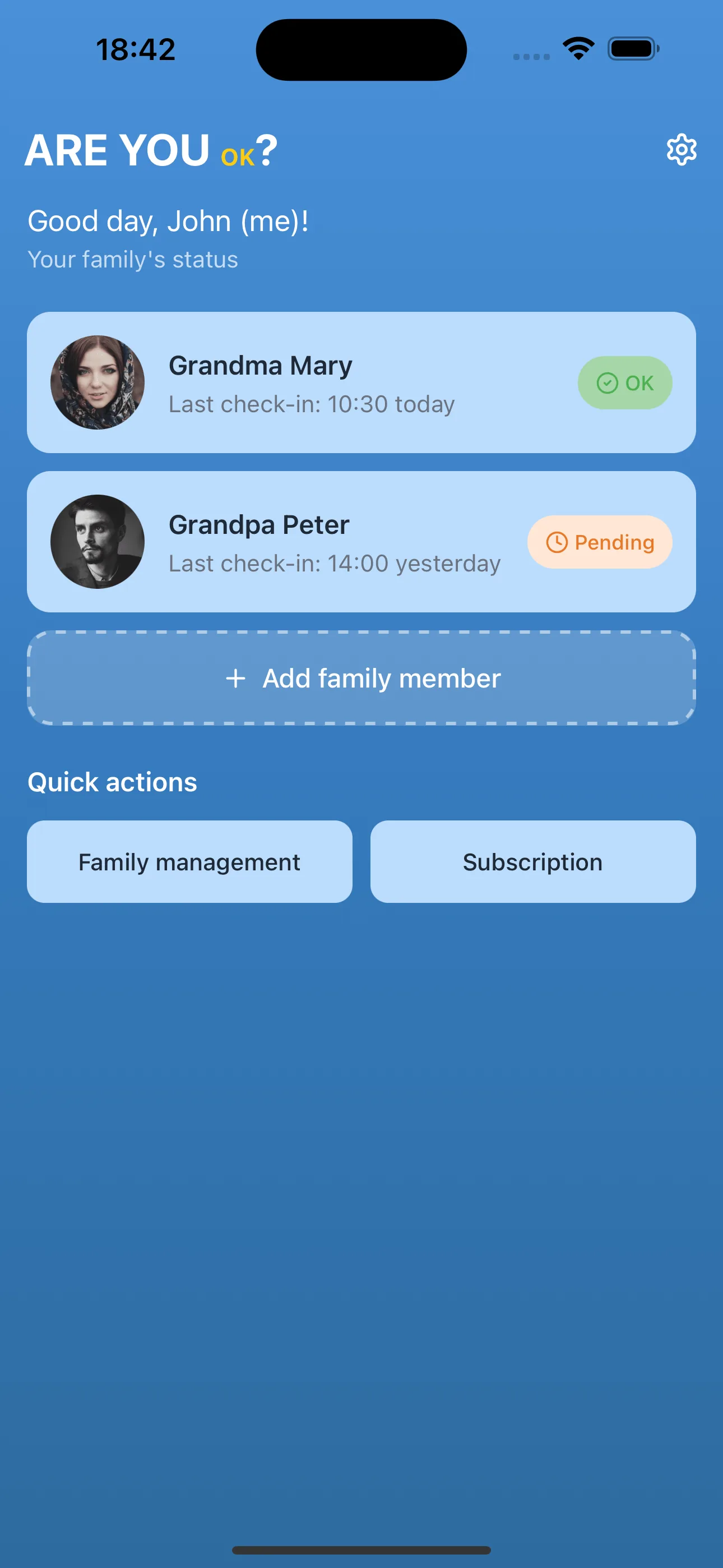
Family dashboard (light)
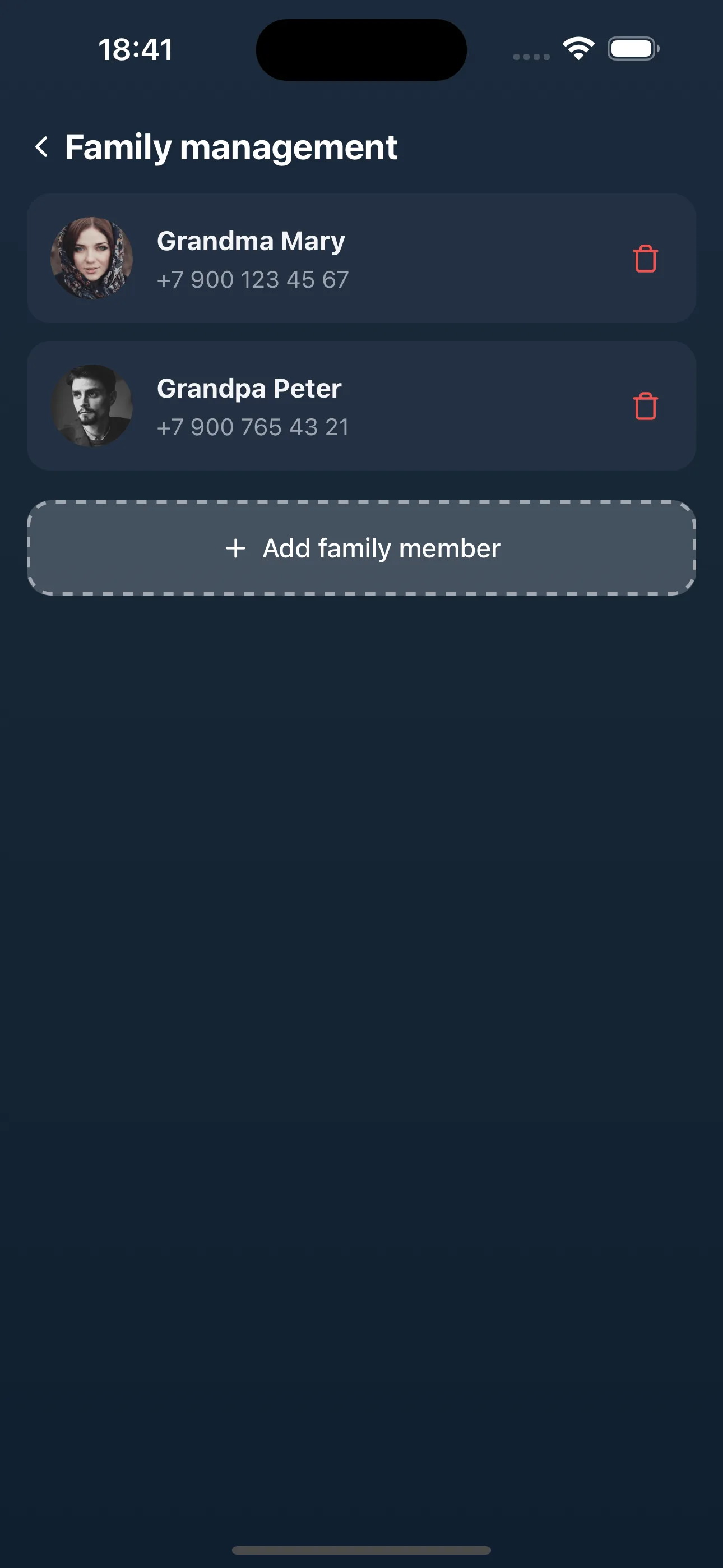
Family management
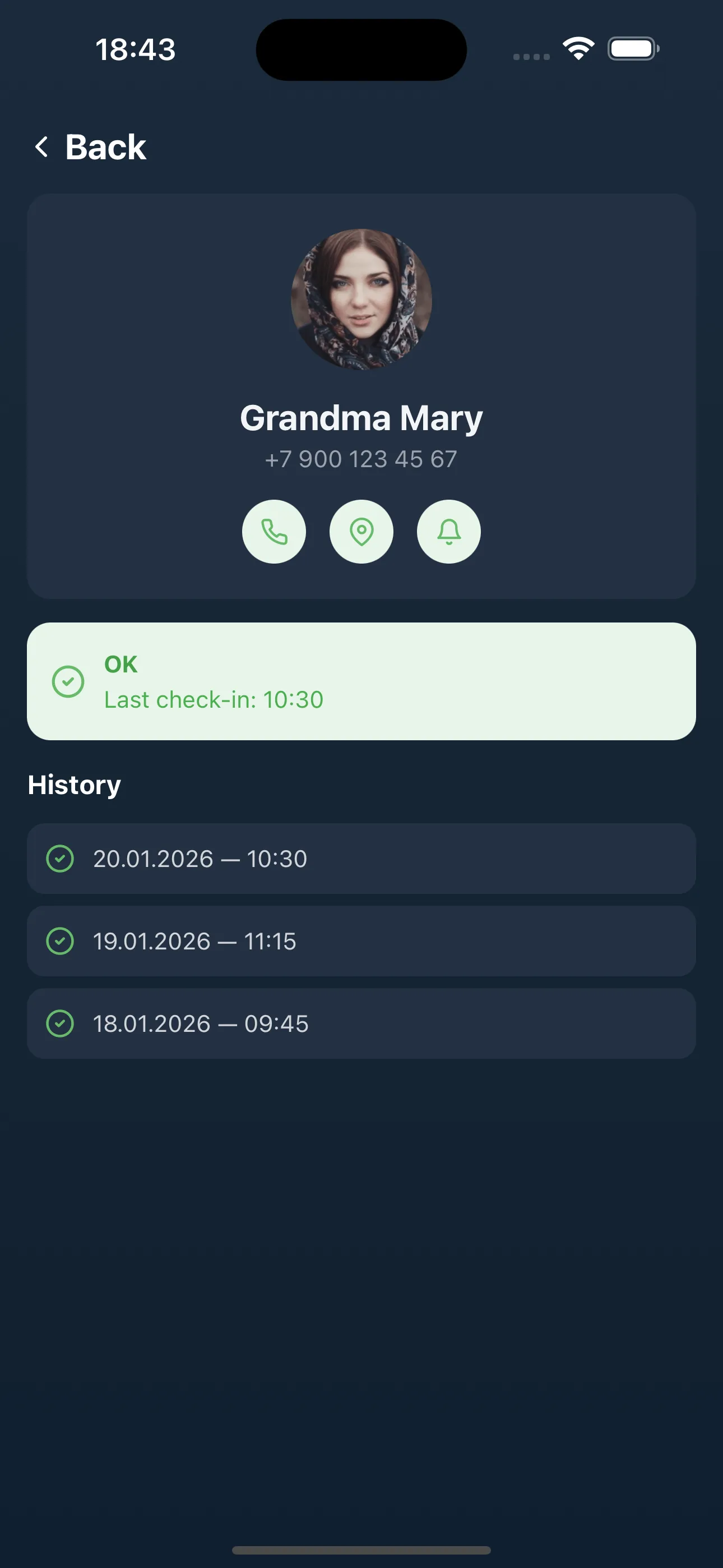
Check-in history
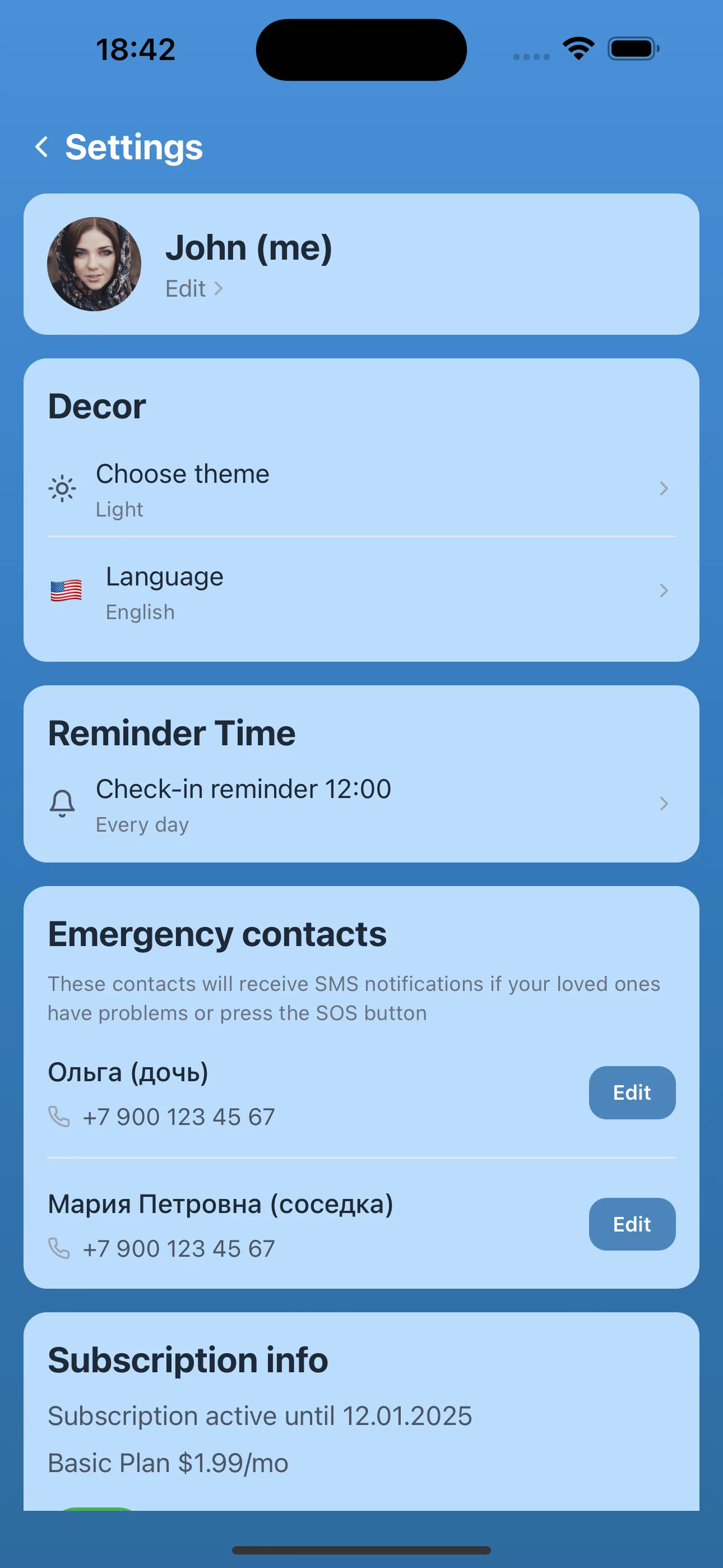
Settings
How It Works
Two people, two roles. Your parent only needs one button.
You
- 1Install the app and sign in with your phone number
- 2Create a family and get a six-digit invitation code
- 3Install the app on your parent’s phone and enter the code. Once
Mom or Dad
- 1Taps “I’m OK” in the morning
- 2Taps SOS if something happens
Large buttons, no menus or settings. The reminder comes by itself.
In the morning you get a push: Mom is OK. If there is no check-in, the app reminds her first, then alerts you.
Pricing
Choose the right plan for your family
Free — 90 days
- 1 tracked member, 1 admin
- Push notifications; push + SMS for SOS
- 3-day check-in history
- Email support
Basic
- 2 tracked members, 1 admin
- Push + SMS for every SOS
- 1-month check-in history
- Chat + email support
Extended
- Up to 4 tracked, 2 admins
- Push + SMS for every SOS
- Unlimited check-in history
- Chat + email + phone support
90 days free · After the trial, “I'm OK” check-ins need a paid plan, SOS stays available on every plan · Prices in USD, your store shows them in your local currency · SMS currently supports Russian numbers only, subject to sending limits.
Deciding between an app and a medical alert pendant? See an honest comparison of You OK? with medical alert systems, check-in call services and location apps.
See the comparisonSubscription via your platform:
Frequently Asked Questions
Answers to common questions
Who is this app for?
What does my elderly relative need to do?
How do I connect a relative?
What happens if my relative does not check in?
What happens when they press SOS?
Does the app track their movements?
How do I sign in?
How much does it cost?
Is there a free trial?
Can I monitor several relatives?
What if my elderly relative is not confident using a smartphone?
Is an internet connection required?
How do I delete my account and data?
About Us
We created "You OK?" to help families stay connected and care for elderly relatives in a simple and unobtrusive way.
Our mission is to make caring for loved ones accessible to everyone. No complex settings, no confusing interfaces — just two buttons and peace of mind for the whole family.
Contact UsLegal Information
- Islam Bayram — sole proprietor, Türkiye
- TIN / TR ID: 16730396252
- VARSAK KARŞIYAKA MAH. MEHMET AKİF ERSOY CAD.
GÜRDAL GÜRDAL SİT. 2. BLOK NO: 53
KEPEZ / ANTALYA, TÜRKİYE - Email: support@youokapp.online
Islam Bayram provides the service and support and is the data controller for users residing outside the Russian Federation. Users residing in the Russian Federation are served by IE Levitsky I. Yu. through youokapp.ru.